
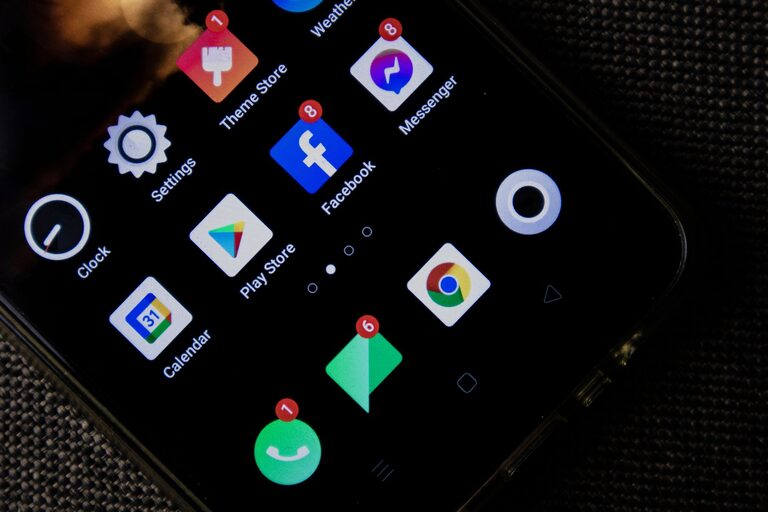
In today’s connected world, notifications buzz, beep, and flash constantly to grab our attention. Whether from smartphones, email, social media, or apps, these alerts can easily interrupt our focus and increase stress levels. Setting clear boundaries with notifications is an important step toward regaining control over your time and maintaining your mental clarity.
In this post, we’ll explore ways to manage and limit notifications to create a healthier, less distracted digital environment.
Why Setting Notification Boundaries Matters
Notifications are designed to prompt immediate responses. While some alerts are essential, many are not urgent and can wait. When notifications are unchecked, they can:
– Interrupt deep work and creativity
– Increase stress and anxiety
– Cause a constant feeling of urgency
– Reduce overall productivity
Creating limits around when and how you receive notifications helps protect your focus and supports balanced tech use.
Assess Your Current Notification Habits
Before making changes, take a moment to reflect:
– How often do notifications interrupt your tasks?
– Which apps send the most alerts?
– Are there notifications you ignore or dismiss immediately?
– Do you check your phone or devices compulsively due to alerts?
Understanding your habits helps identify which notifications are helpful and which are distractions.
Tips for Setting Boundaries with Notifications
1. Customize Notification Settings on Devices
Most devices and apps allow you to tailor notifications:
– Turn off non-essential alerts: Disable notifications from apps that don’t require immediate attention such as games or shopping apps.
– Use “Do Not Disturb” mode: Schedule quiet periods during work hours or at night to prevent interruptions.
– Allow priority notifications only: Some systems let you allow notifications from specific people or apps even in Do Not Disturb mode.
2. Batch Check Notifications
Instead of responding whenever a notification arrives, set specific times to check:
– Check emails two or three times a day rather than constantly.
– Review social media notifications once in the morning and once in the evening.
– Use a timer or reminder if needed to stay on track.
Batching reduces distraction and helps maintain focus throughout the day.
3. Turn Off Push Notifications Where Possible
Push notifications are immediate alerts that require attention. When possible:
– Switch to manual refresh for apps like email and messaging.
– Turn off badge icons that show the number of unread messages.
– Disable sound or vibration alerts to minimize interruption.
This way, you control when you engage rather than being interrupted.
4. Set Clear Expectations with Others
If you’re regularly contacted through messages or calls:
– Let colleagues, friends, and family know your preferred communication times.
– Specify which communication methods are for urgent matters only.
– Use status messages or auto-replies to share when you are unavailable.
Setting expectations reduces pressure to respond immediately.
5. Use Focus Features and Apps
Modern devices offer built-in tools:
– Focus modes: These allow customized profiles that limit notifications based on your current activity (e.g., work, personal time, sleep).
– Third-party apps: Some apps help manage notifications by filtering or summarizing alerts.
Explore these tools to find what fits your routine best.
6. Keep Your Device Out of Reach During Focus Time
Physical separation can help:
– Put your phone in another room while working or spending time with loved ones.
– Turn off devices during meals or before bedtime to limit distractions and improve rest.
This simple step supports mindfulness and better engagement with the present moment.
7. Review and Adjust Regularly
Notification needs change over time:
– Revisit your settings every few weeks.
– Remove or add notification permissions based on what works.
– Reflect on whether your boundaries help or hinder your productivity and wellbeing.
Continuous adjustment ensures your system stays effective.
Conclusion
Managing notifications isn’t about completely disconnecting but finding balance. By customizing alerts, batching your attention, and setting clear boundaries, you can reduce distraction and improve your focus. Start small, experiment with different strategies, and find what makes your digital life healthier and more manageable.
Taking control of notifications is a valuable step toward more mindful technology use and a calmer, more productive day.